SIX
See It Work · Book 01 · AI Agents for CFOs · Chapter 9
Connecting to the ERP — the messy part nobody shows you
Architecture diagrams are clean. Reality is messy. Your financial data lives across real ERP and source systems — each with its own quirks. Connecting the agent to where the data actually lives is the unglamorous integration work, and it's where finance-agent projects succeed or stall.
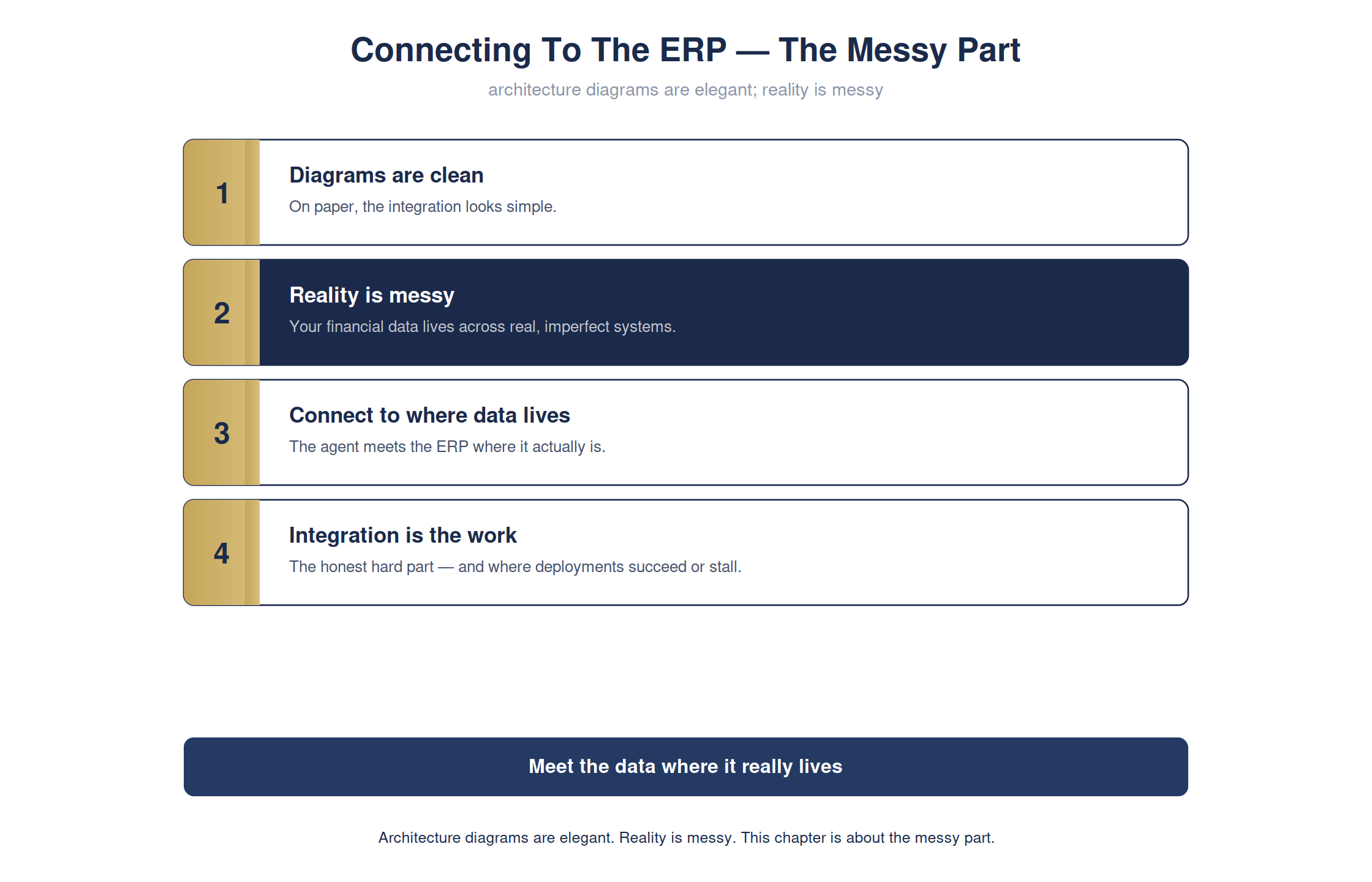
The full detailed chart. Condensed for print legibility in the book; shown here at full size.
Skip the integration reality and your elegant agent has nothing trustworthy to run on. Face it head-on and the agent runs on your real data, not a demo fixture.
CFO's desk · ERP integrationready
The real work is meeting the data where it lives:
ERP Integration
diagramselegant
realitymessy
the workconnect to real systems
outcomeruns on live data, not a fixture
Architecture diagrams are elegant. Reality is messy. This chapter is about the messy part.
For the technical reader — the command, and how to verify it yourself
# one line · you do not need to run this
see walkthrough
see walkthrough
see walkthrough
# -> the agent connected to the real ERP where your data actually lives
# -> the agent connected to the real ERP where your data actually lives
Full step-by-step is in Appendix RX: Hands-On Demonstrations in the book.