SIX
See It Work · S2 Vol 2 · The Primacy Cockpit · Chapter 10
The same cockpit — flipped from demo to live through one seam
You've been using the cockpit on a sample node (a demo fixture). The production cockpit is the same code: a single file (api.js) flips the data source from the demo sample to a live node. The screen-drawer doesn't change; the surfaces don't change. Same cockpit, real state.
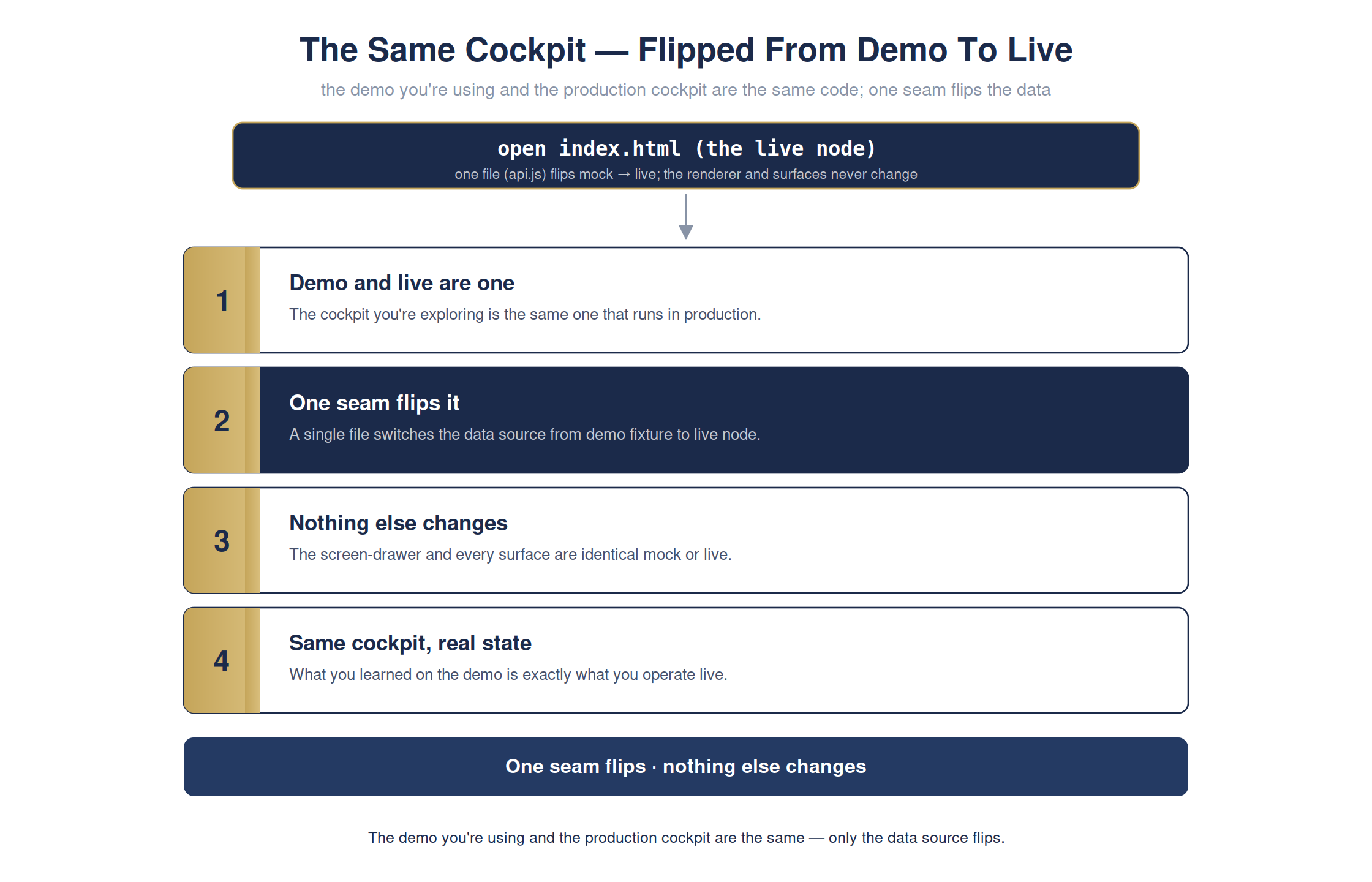
The full detailed chart. Condensed for print legibility in the book; shown here at full size.
Most tools have a demo that looks nothing like production. Here the seam is one file — so everything you learned and trusted on the demo carries over exactly to the live operation. No surprise gap between the two.
The cockpit · demo → liveready
Flipping from demo to live changes exactly one seam — the data source:
Mock → Live
demo & livethe same code
the seamone file (api.js)
renderer + surfacesunchanged
resultsame cockpit, real state
The demo is the production cockpit on sample data — the cutover is a single, safe seam.
For the technical reader — the command, and how to verify it yourself
# one line · you do not need to run this
open index.html (live node)
open index.html (live node)
open index.html
# -> the same cockpit, flipped to live state through one seam
# -> the same cockpit, flipped to live state through one seam
Full step-by-step is in Appendix RX: Hands-On Demonstrations in the book.