SIX
See It Work · S2 Vol 2 · The Primacy Cockpit · Chapter 2
The approval you can never miss
When an AI agent proposes an action that needs your approval, it lands in the approval inbox (the book calls it the Breath-Gate). The whole design exists for one outcome: you never miss a pending approval. The count is colored, it's on the home view, and clicking it shows you exactly what's proposed and which agent asked.
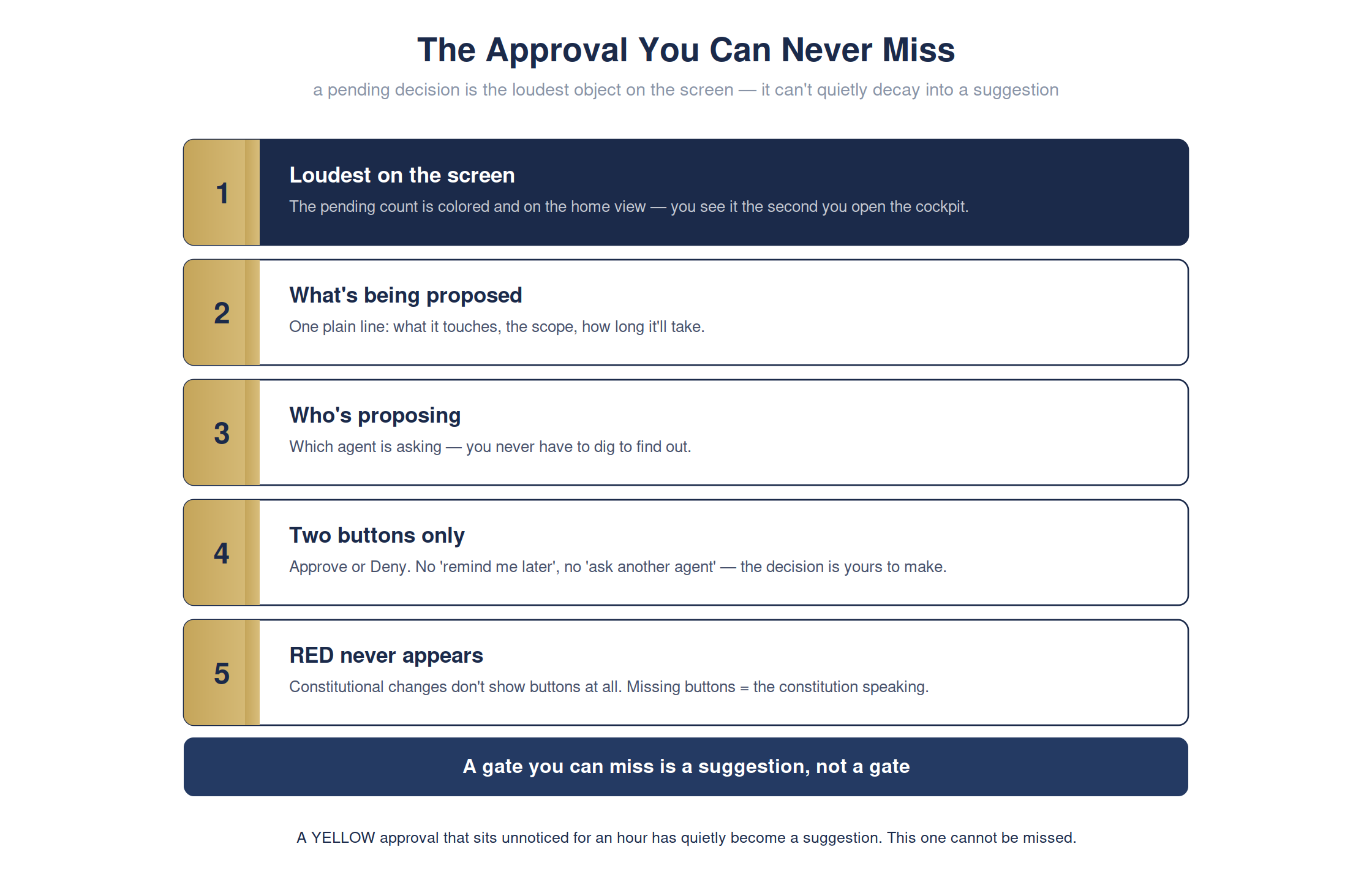
The full detailed chart. Condensed for print legibility in the book; shown here at full size.
Most AI tools treat approvals as a notification — a badge you miss while you're in a meeting. If a sign-off can sit unnoticed for an hour, it's quietly decayed from a gate into a suggestion. The cockpit refuses that: the approval is the loudest object on the screen.
The cockpit · approval inboxready
A pending approval surfaces with everything you need to decide — and nothing to hide it:
Approval Inbox
visibilityloudest object · colored · on home view
what + whoone plain line + the asking agent
choicesApprove / Deny — no 'later'
constitutional changeno buttons — needs a ceremony
Make the gate visible and approval latency drops from hours to minutes — the visibility IS the intervention.
For the technical reader — the command, and how to verify it yourself
# one line · you do not need to run this
open atrium-standalone.html
open atrium-standalone.html
open atrium-standalone.html
# -> the pending approval as the loudest object on the screen
# -> the pending approval as the loudest object on the screen
Full step-by-step is in Appendix RX: Hands-On Demonstrations in the book.