SIX
See It Work · S2 Vol 2 · The Primacy Cockpit · Chapter 6
What's sensitive, what needs you, and why — on one screen
Two surfaces meet here. Sensitivity: every input carries a GREEN / YELLOW / RED label showing how sensitive it is and where it's allowed to go. Attention: a filter surfaces about one item in a hundred — the ones that need you — each tagged with its source. You also review the actual artifacts in context.
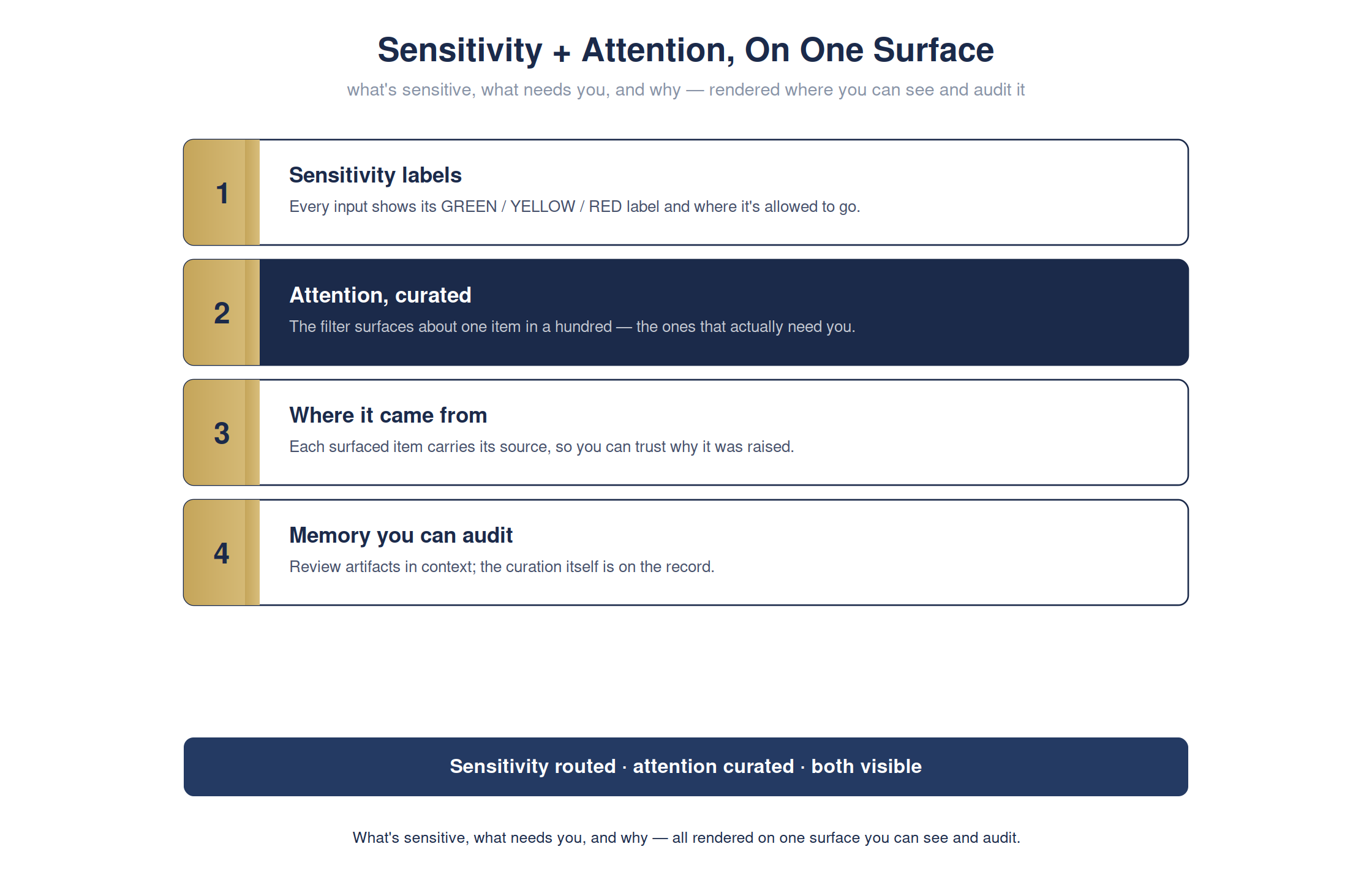
The full detailed chart. Condensed for print legibility in the book; shown here at full size.
A flood of activity buries you, and undated sensitivity gets you a leak. Rendering both — what's sensitive and what needs you, each traceable — is how the cockpit respects your attention without hiding anything.
The cockpit · sensitivity + attentionready
Sensitivity labels and the curated attention list render on one surface:
Sensitivity + Attention
every inputGREEN / YELLOW / RED label
attention~1 in 100 surfaced
each itemcarries its source
the filteringsealed + auditable
Attention curated, not flooded — and the curation itself is on the record.
For the technical reader — the command, and how to verify it yourself
# one line · you do not need to run this
open atrium-standalone.html
open atrium-standalone.html
open atrium-standalone.html
# -> sensitivity labels + the curated attention list on one surface
# -> sensitivity labels + the curated attention list on one surface
Full step-by-step is in Appendix RX: Hands-On Demonstrations in the book.