SIX
See It Work · S2 Vol 2 · The Primacy Cockpit · Chapter 1
The home view answers one question first: whose node, and is it healthy?
The cockpit's home view (the book calls it the Stillpoint) leads with one thing: who is this node, and is it healthy? Identity first, then six green health checks, the federation in one sentence, how many approvals wait on you, and the last few sealed actions. Open three other AI tools and none of them lead with this — they lead with a chat box or a usage graph.
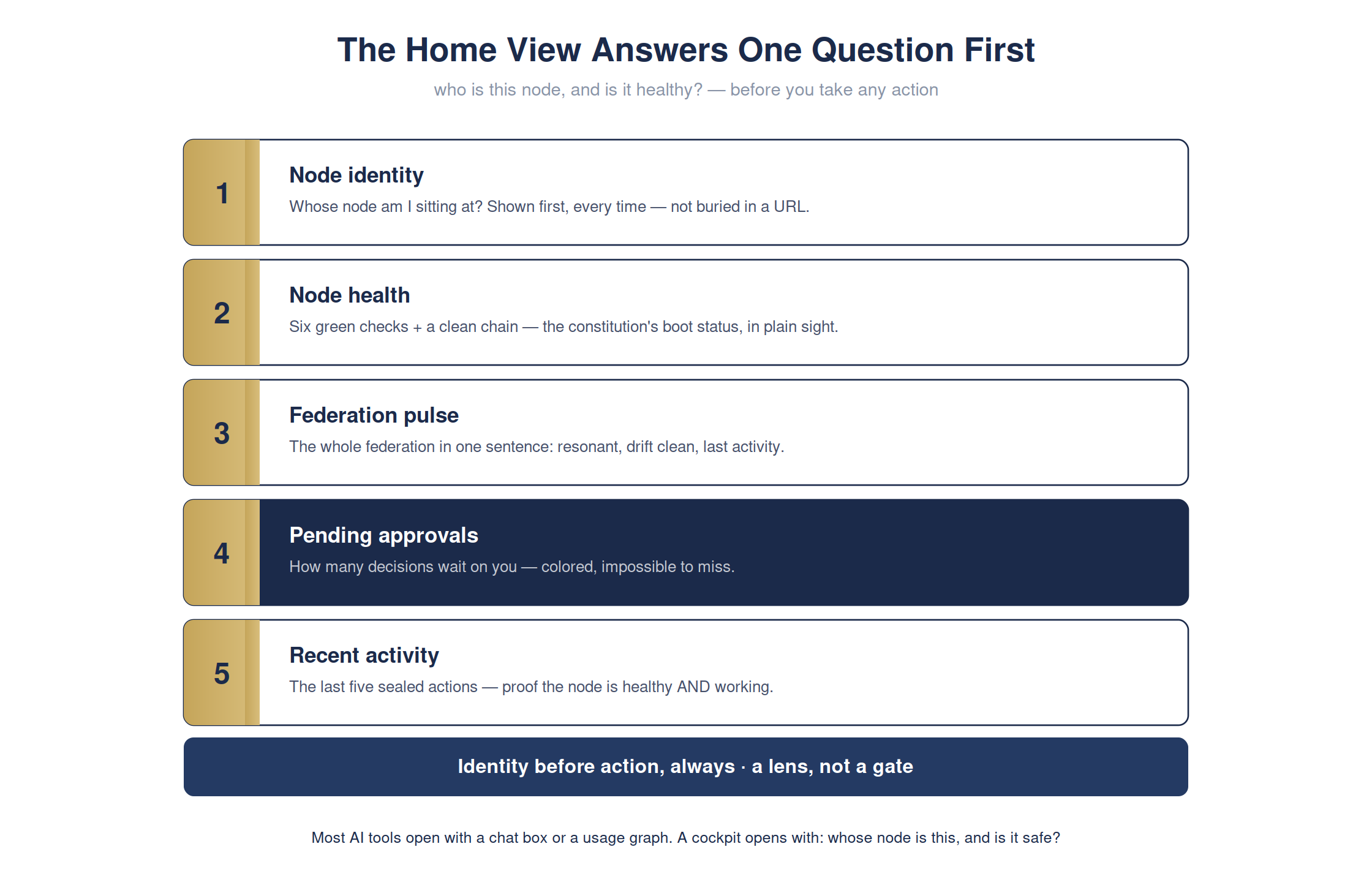
The full detailed chart. Condensed for print legibility in the book; shown here at full size.
The operator's first question, every time, is 'whose node am I sitting at, and is everything I'm about to do safe?' A cockpit that can't answer that at a glance has already failed you. Identity before action, always.
The cockpit · home viewready
The home view renders five blocks, identity first — here's the fresh-clone state:
Home View
node identityshown first, every time
health6 green checks · chain clean
federationone-sentence pulse
pending approvalscolored, impossible to miss
A lens, not a gate: the home view shows what the constitution is doing — it can't hide a failure.
For the technical reader — the command, and how to verify it yourself
# one line · you do not need to run this
open atrium-standalone.html
open atrium-standalone.html
open atrium-standalone.html
# -> the home view leads with node identity + health
# -> the home view leads with node identity + health
Full step-by-step is in Appendix RX: Hands-On Demonstrations in the book.