SIX
See It Work · S2 Vol 3 · Governed Dev Loop · §1 · Who Decides What Your AI Can Do
You decide what your AI is allowed to do — not the vendor
Most AI tools arrive with the vendor's assumptions about what your agent may do baked in. Here it's the opposite: your AI's powers come from a plain settings file you write. Run the demo and watch it load your rules — not theirs.
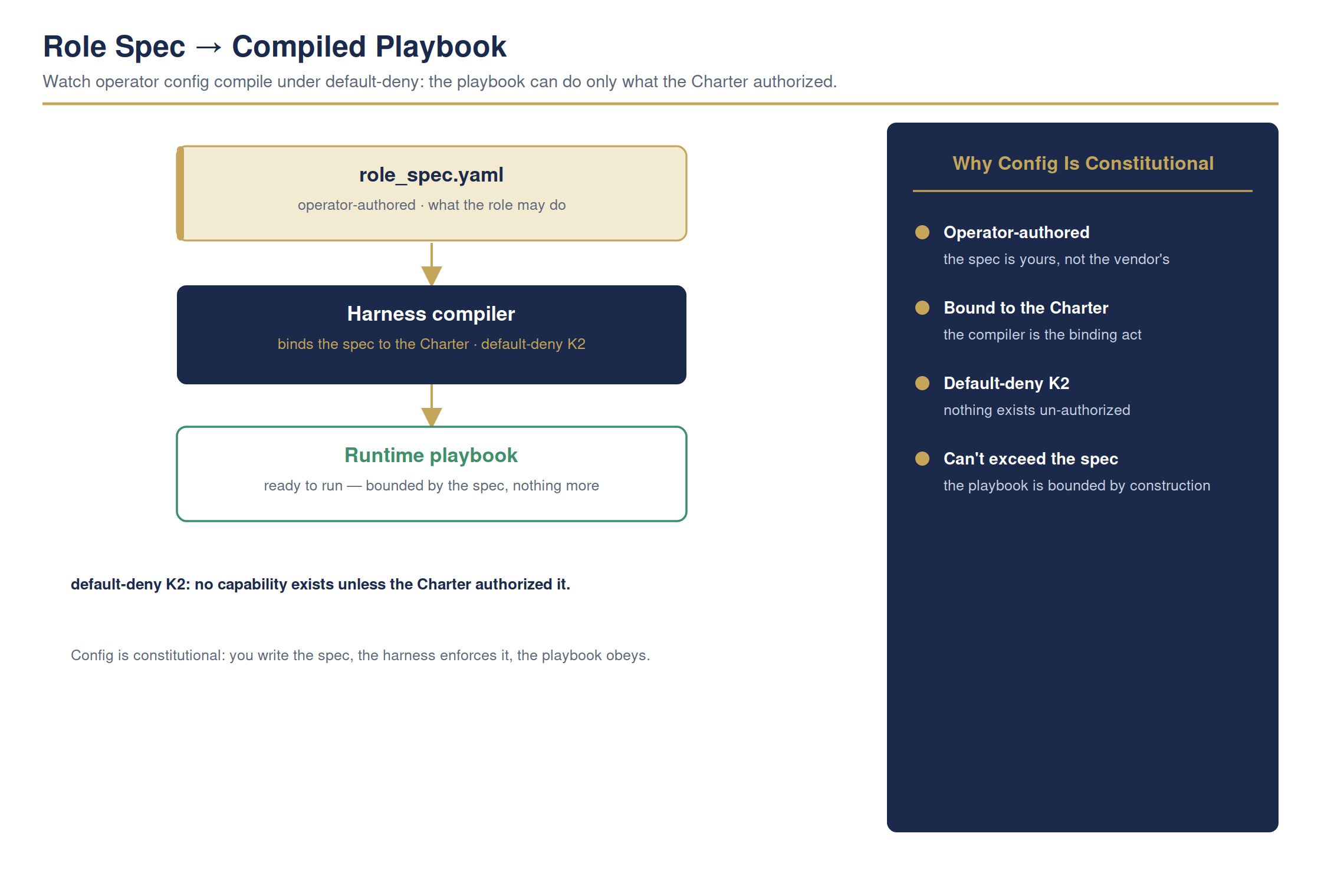
The full detailed chart. Condensed for print legibility in the book; shown here at full size.
Whoever writes that file draws the line on what your AI can do. If it's the vendor, their assumptions quietly run your operation. Here, the line is yours.
Your machine · your settings fileready
The result shows exactly where the powers came from:
Where the Powers Came From
sourceyour settings file — you wrote it
the powersthe ones you allowed, not a vendor default
the limitsyour rules
resultyou decide what your AI can do
Open the file yourself — it's plain text you can read. No hidden vendor policy.
For the technical reader — the command, and how to verify it yourself
# one line · you do not need to run this
python examples/load_role_demo.py
python examples/load_role_demo.py
python examples/load_role_demo.py
# -> your AI's powers load from your own settings file
# -> your AI's powers load from your own settings file
Full step-by-step is in Appendix RX: Hands-On Demonstrations in the book.